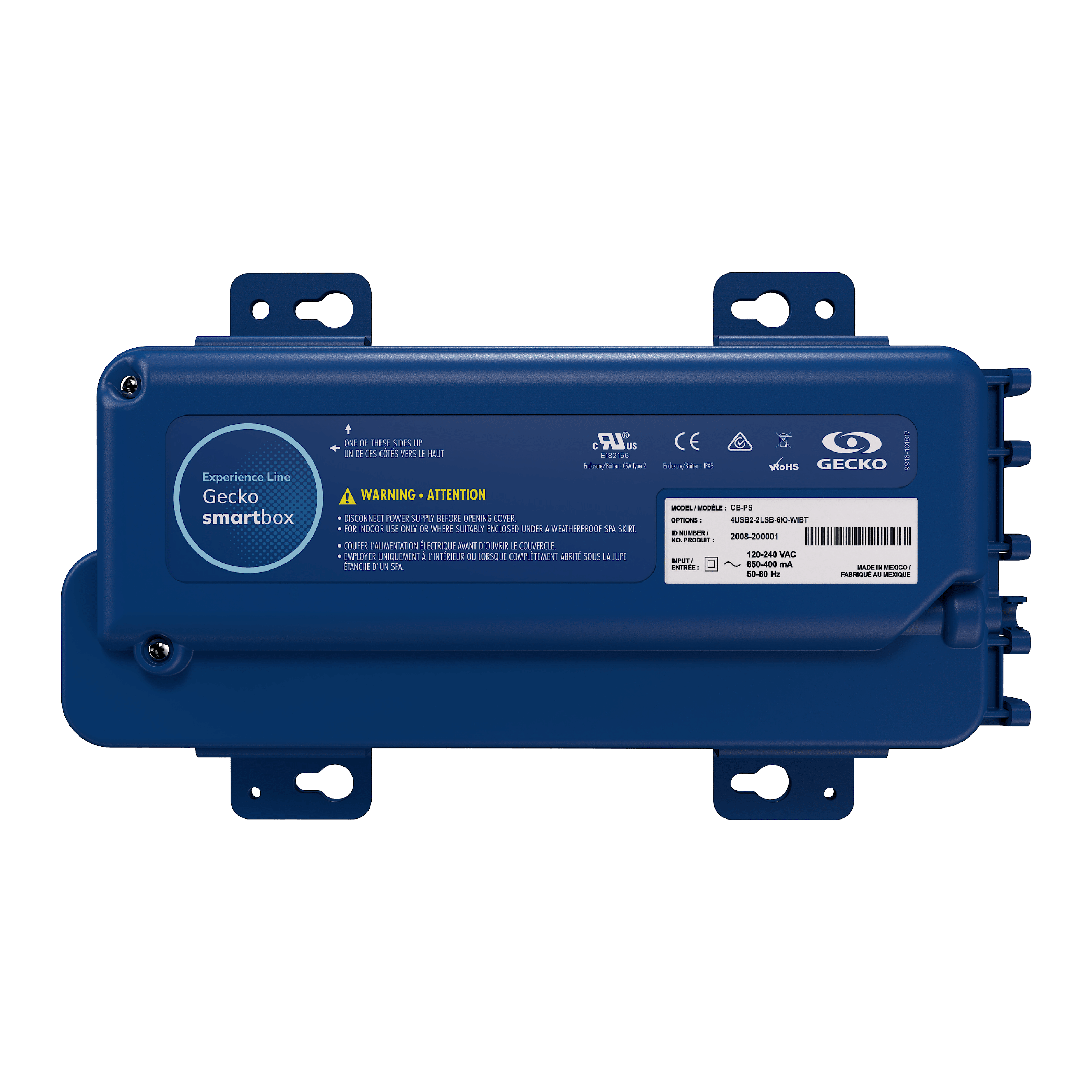
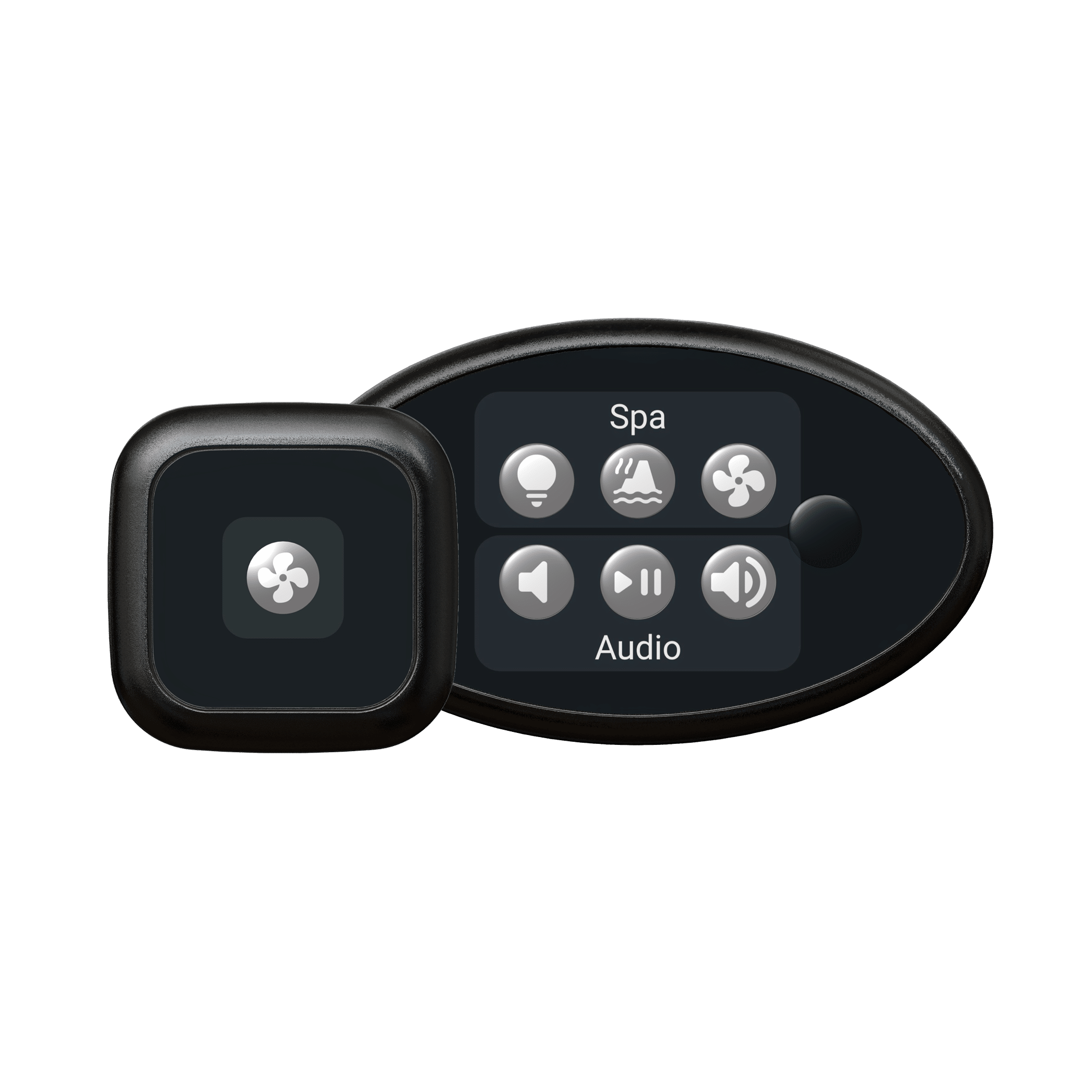
Gecko touchpad
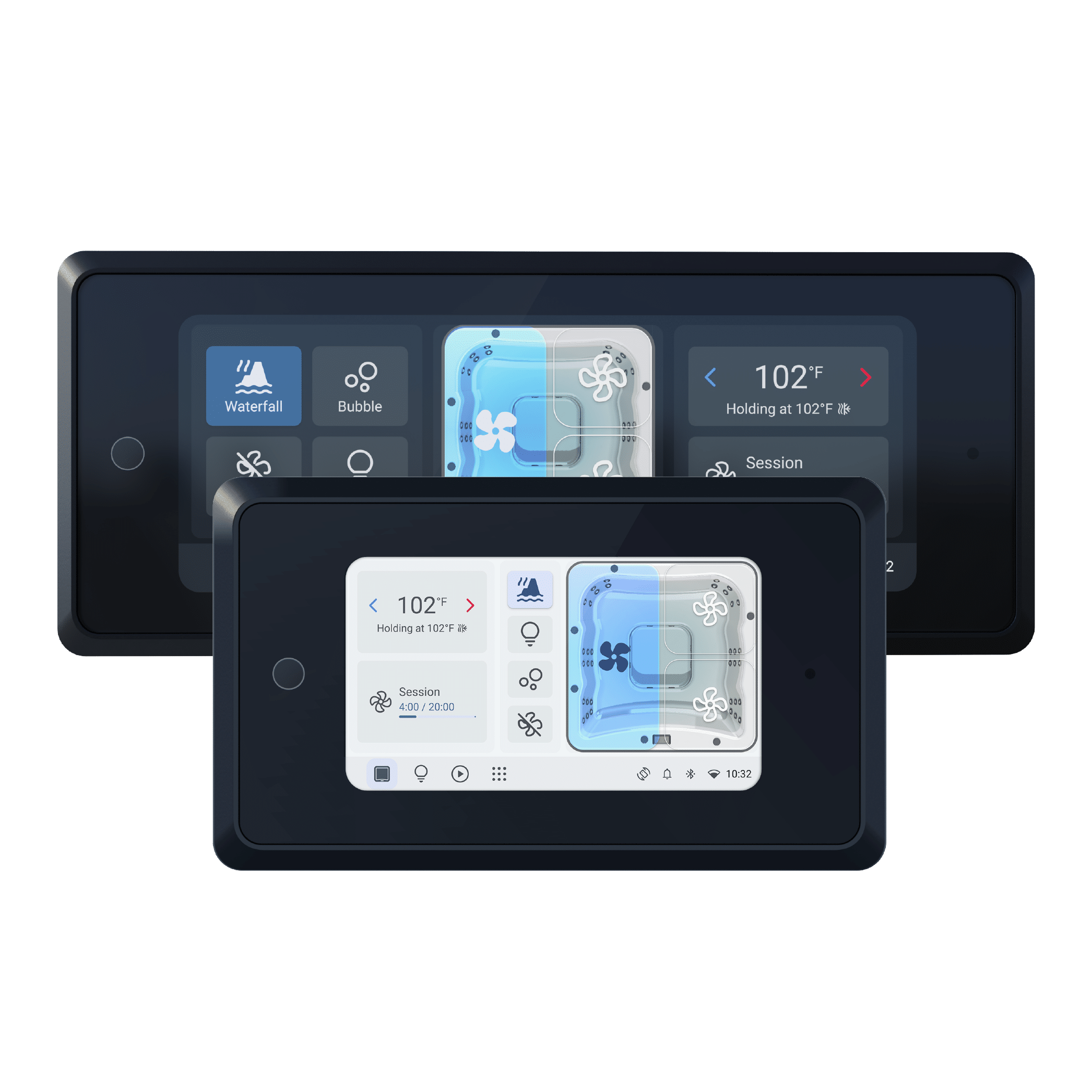
Easy from the first touch
Everything you need, exactly where you expect it. A clear display and the patented spamap™ interface bring everyday spa functions together. Familiar visuals, simple navigation and a slim profile make control feel natural. Primary CTA Talk to our team Secondary CTA View specifications
|
Find your way
naturally Everyday language and familiar visuals help users understand their spa without searching through unfamiliar menus.
|
See clearly,
adjust comfortably A clear touchscreen brings spa functions into view, making the next adjustment easy to find.
|
Made to fit
your spa design A thin profile, textured black trim and a refined screen surround integrate neatly with the spa.
|
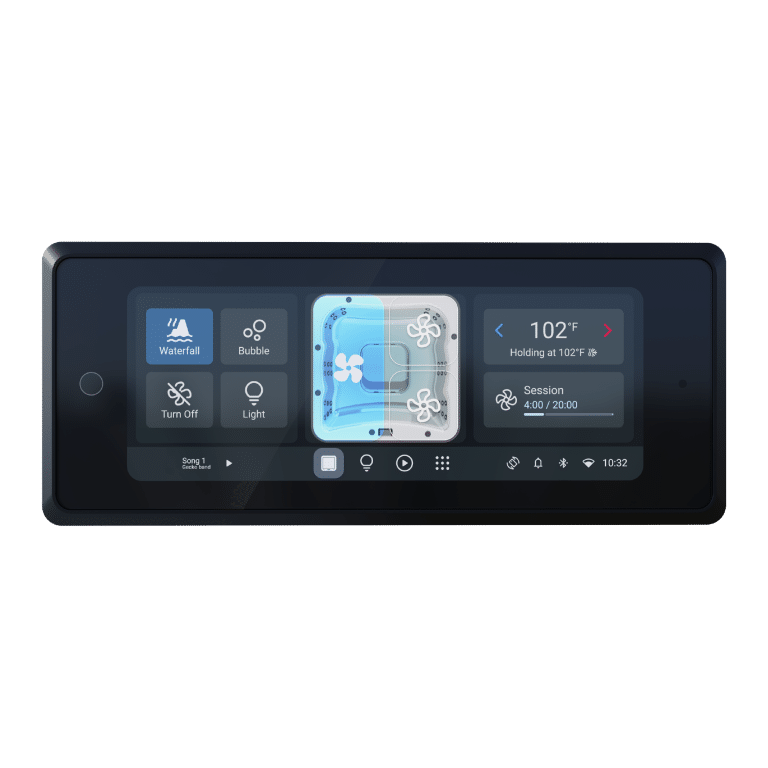
Gecko touchpad 935
More room to see and touch
A larger display format gives everyday spa functions more room on screen. Designed for spa layouts that can accommodate the wider touchpad.
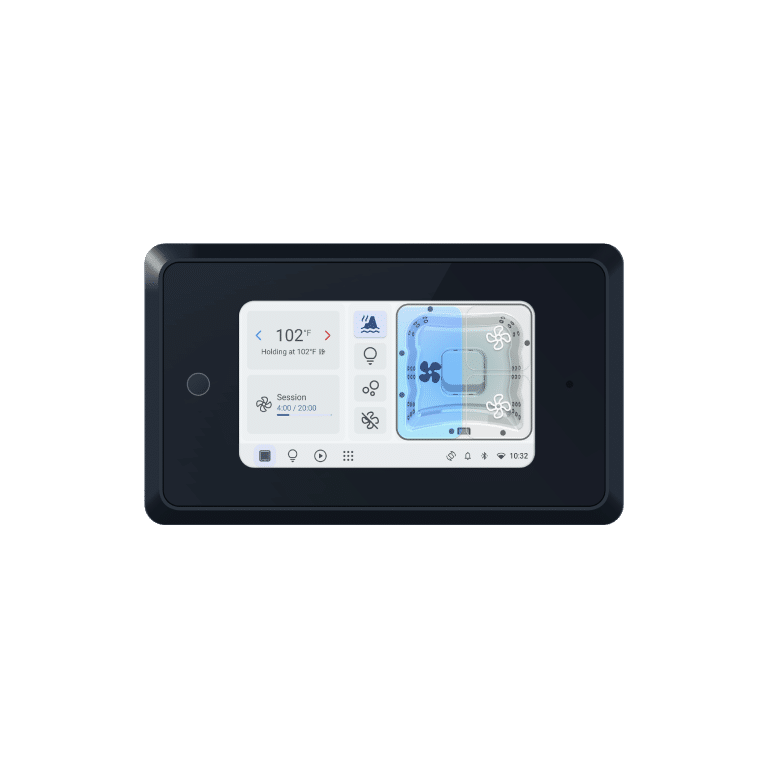
Gecko touchpad 550
Premium control in a compact format
The Experience Line interface in a smaller footprint, designed for spa layouts where installation space is more limited.
Specifications
| Specification | Gecko touchpad 935 | Gecko touchpad 550 |
|---|---|---|
| Format | Larger display format | Compact display format |
| Interface | Patented spamap™ | Patented spamap™ |
| Dimensions (L × H × D), in | 11 5/8 × 4 13/16 × 1 9/16 | 7 3/4 × 4 1/2 × 1 9/16 |
FAQ
Which Gecko touchpad should I choose?
Gecko touchpad 935 offers the larger format. Gecko touchpad 550 brings the same family approach to a more compact design. Review the installation dimensions and your spa layout with our team.
Does the screen adjust to changing light?
Yes. The adaptive display automatically adjusts brightness to its surroundings to support comfortable viewing.
Documentation
Discover Gecko touchpad